Plan today, see any week ahead
Tap a slot, pick a recipe — or repeat last week in one tap. Week or month view.
Mealique lays your plan out as one simple calendar: every day, every meal, for whichever week you open. Fill a slot in two taps — or repeat last week in one — and your calories, macros, and grocery list follow along automatically.
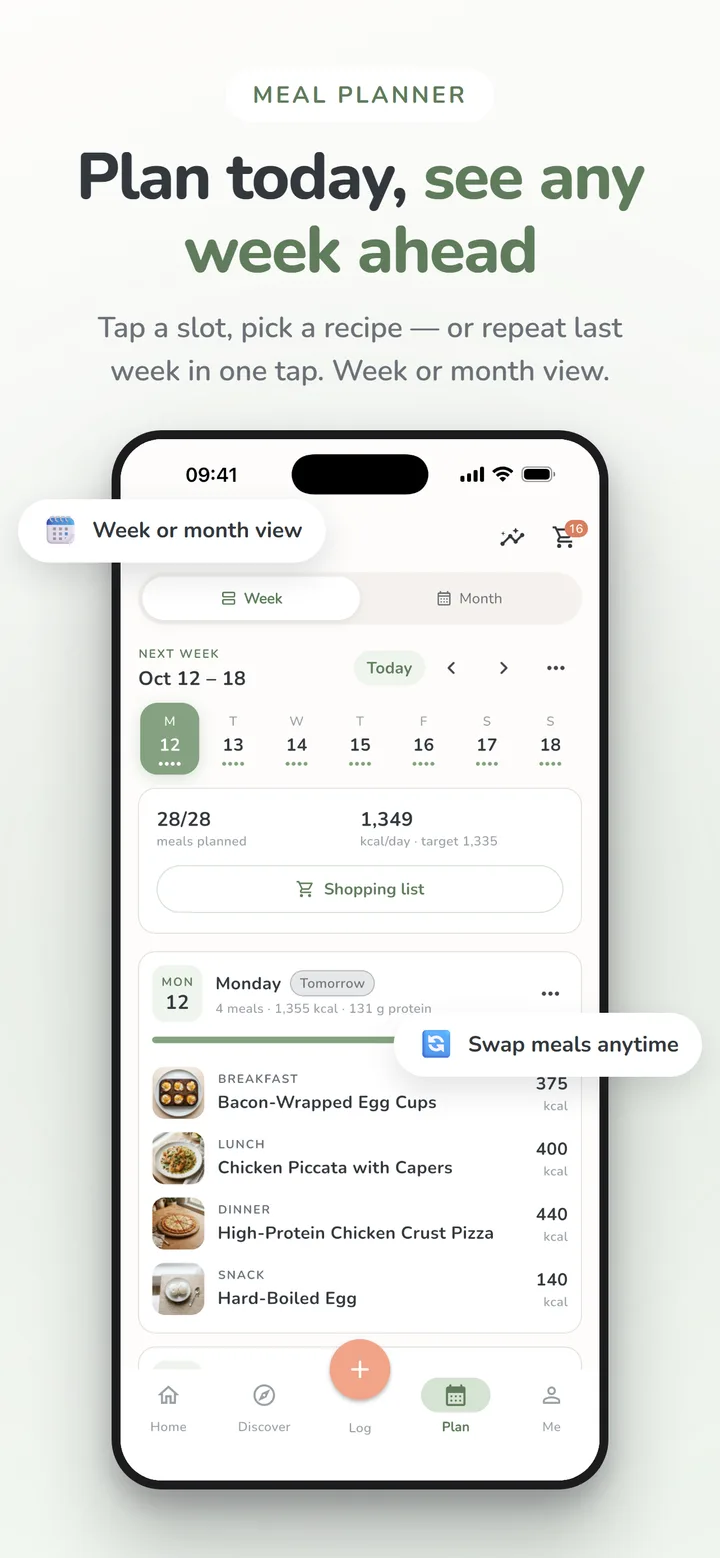
Week or month view
Read a week day by day, meal photos and all, or zoom out to a month calendar — plan any week, this one or several ahead, without leaving the same screen.
Swap, move, and repeat
Plans change. Swap a meal, move it to another day, or repeat it — and your daily totals and grocery list update with it, with Undo one tap away.
Built around your targets
Daily calories and macros roll up from the plan itself, so you can see whether the week matches your goals before it even starts.
How it works
- 1
Pick a day and tap an empty meal slot.
- 2
Choose a recipe from your library, favorites, or search.
- 3
Watch the week fill in — grocery list and targets update as you go.
Good to know
Do I have to plan a full week at once?
No — fill in as much or as little as you want. Many people plan dinners only, or just the next few days. The grocery list is built from whatever is on the plan.
What happens to my grocery list when I change the plan?
It rebuilds automatically. The list is always derived from the current week of meals, so a swapped dinner means swapped ingredients — no stale items.
Works even better with
Ready to stop overthinking dinner?
Plan the week, skip the spreadsheet, and know exactly what’s for dinner — starting this week.
Free to download · iPhone, iPad & Android · No ads