Fasting made simple to stick to
16:8, 18:6, 20:4, or OMAD — one clear timer.
No spreadsheets of eating windows, no second app. Pick a protocol, start the timer, and Mealique keeps your fasting state right next to your meals and water — where it actually belongs.
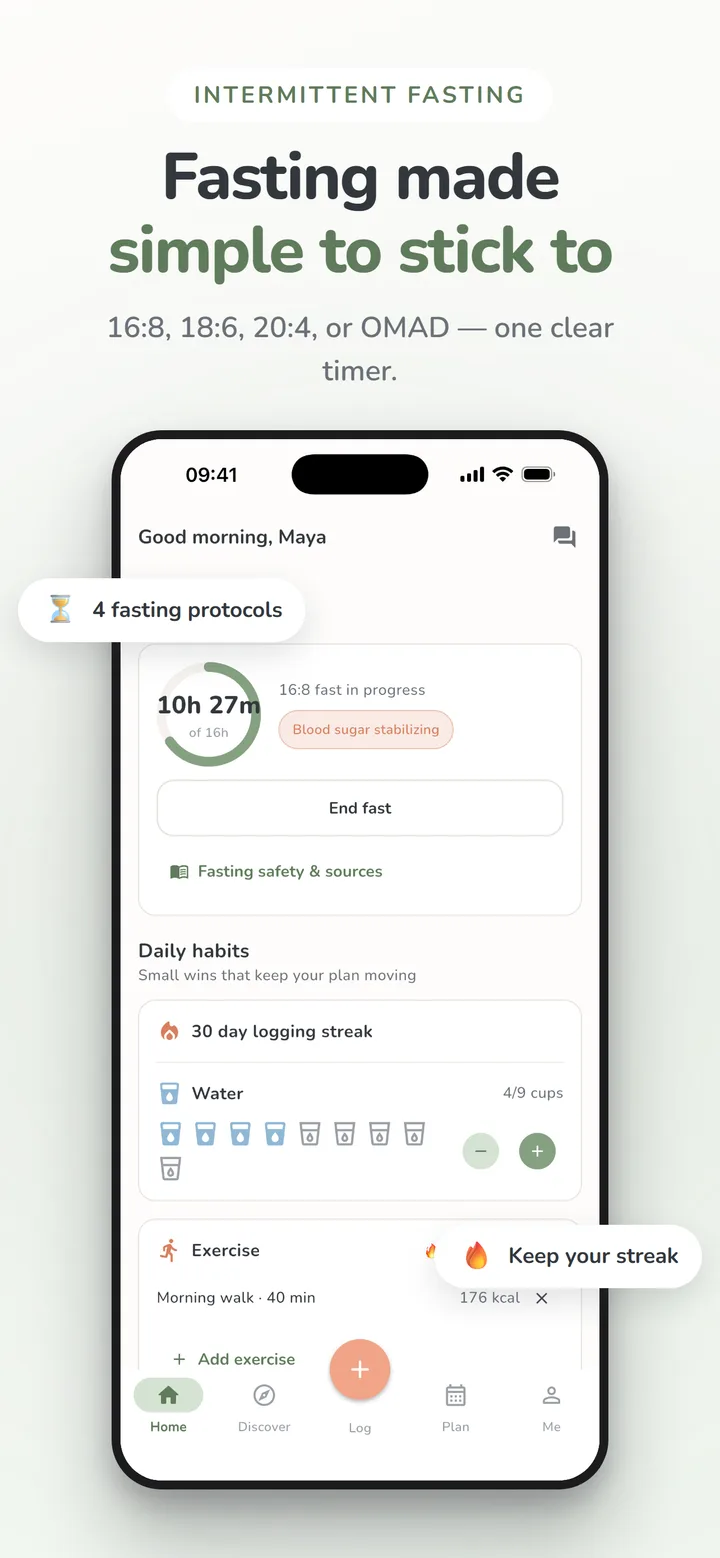
16:8, 18:6, 20:4, or OMAD
Start with the classic 16:8 or 18:6, or go longer with 20:4 and OMAD (one meal a day) — the timer counts toward whichever window you pick.
Always know where you stand
One clear timer on your home screen shows how long you have been fasting and how much of your window is left, with a note on what is happening at each stage.
Fasting next to your food
Fasting lives on the same home screen as your meals, water, and the always-there Log button, so breaking your fast and logging what you ate happen in the same place.
Good to know
Which fasting protocols does Mealique support?
16:8, 18:6, 20:4, and OMAD (one meal a day) — pick one and start the timer whenever your fast begins.
Is intermittent fasting right for me?
That is a question for a healthcare professional, not an app. Mealique gives you the timer and the data, but it is not medical advice — check with your doctor before starting a fasting routine, especially with an existing condition.
Works even better with
Ready to stop overthinking dinner?
Plan the week, skip the spreadsheet, and know exactly what’s for dinner — starting this week.
Free to download · iPhone, iPad & Android · No ads